Collaboration.
Your whole team, one AI project
Git-backed version control, shared prompts, structured ratings, and an AI-native issue tracker.
Built for the whole team.
Deploy anywhere with our open-source Python Library.
Try new models or dispatch experiments in seconds. Replace vague specs with evals and golden data.
Contribute to quality without coding — feedback, ratings, evals and data generation.
Collaboration in Kiln
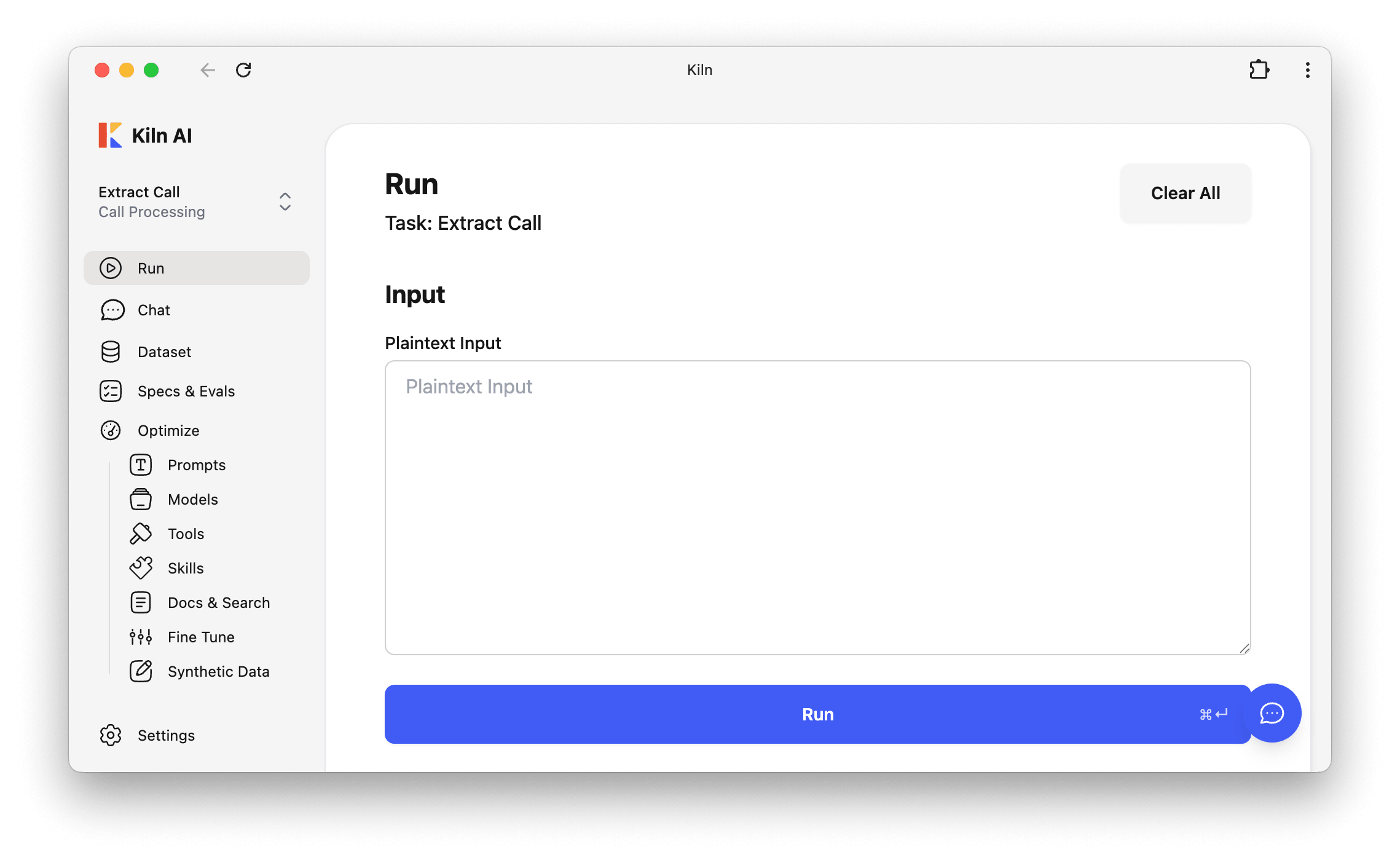
Intuitive app, anyone can use
Our app lets anyone build evals, run agents, and contribute to quality. No terminal, coding, or prior experience with data science required. One-click install for Mac, Windows, and Linux.
Git Auto Sync
The Kiln app automatically syncs your dataset, traces, and evals to Git — even for team members who don't know what Git is. Get the benefits of Git like history, authorship, and data ownership, without a terminal.
Ratings and feedback that feed back in
Everyone on the team can contribute ratings and feedback. These signals feed back into evals and quality optimizations.
Versioned Run Configurations
Run configurations — tools, prompt, model, and more — are versioned and saved automatically. Every trace and eval is reproducible.
Shared prompt library
Kiln generates prompt styles from your task definition and lets the team save named variants. As ratings come in, multi-shot generators pull in the best examples automatically. The library gets stronger as the team works.
AI collaboration before and after Kiln
- Non-technical teammates can't contribute ratings or report issues without filing a ticket and waiting for an engineer.
- Prompts live in spreadsheets, Slack threads, and five different repos. Nobody knows which version is current.
- Ratings and qualitative feedback get scattered across Slack, sheets, and memory — no signal to act on.
- AI bugs get a JIRA description and a screenshot — no structured data, no eval, no regression detection.
- PMs, QA, and SMEs rate outputs, create issues, and refine data directly in the Kiln UI — synced to Git without a terminal.
- Prompts are shared, versioned artifacts that improve automatically as the team rates outputs.
- Every rating and feedback becomes a signal to improve quality.
- Kiln captures the data needed to diagnose and heal issues.
From setup to team-wide collaboration in 4 steps
A developer creates a project, defines the task, and pushes to Git.
Send teammates a git link. Each connects in a few clicks via OAuth or token.
PMs, QA, and SMEs rate outputs, repair responses, and file issues — all in the Kiln UI.
Ratings feed into prompts. Issues drive evals. The AI system gets better with every review.
Frequently asked
Do non-technical team members need to know Git?
No. Automatic Git Sync handles Git invisibly. Non-technical users connect via a git link and OAuth or token — changes sync within seconds.
What happens if two people edit at the same time?
Kiln's data model makes conflicts rare with unique IDs and append-only files. If one occurs, Automatic Git Sync self-heals with zero data loss.
How are Kiln Issues different from JIRA?
Kiln Issues capture structured AI data — input, output, model, hyperparameters — not just descriptions. Each one plugs into evals and synthetic data, so a fix is verified, not just shipped.
Ship AI as a team, not a solo act.
Git-backed collaboration, shared prompts, structured ratings, and AI-native issue tracking.
Tone is right, but the answer skipped the refund-window edge case. Add the policy doc to context.